CashwiseOpen Cashwise
Budgeting in pesos, made for Filipino paydays

Know what’s safe to spend, every day.

Cashwise turns your sweldo into a plan: save first, keep your bills paid on time, and see exactly how much is left for the rest of the month.

Start free on the webAndroid · coming soon to Google Play
  • Free to use
  • No bank connections
  • Web and Android
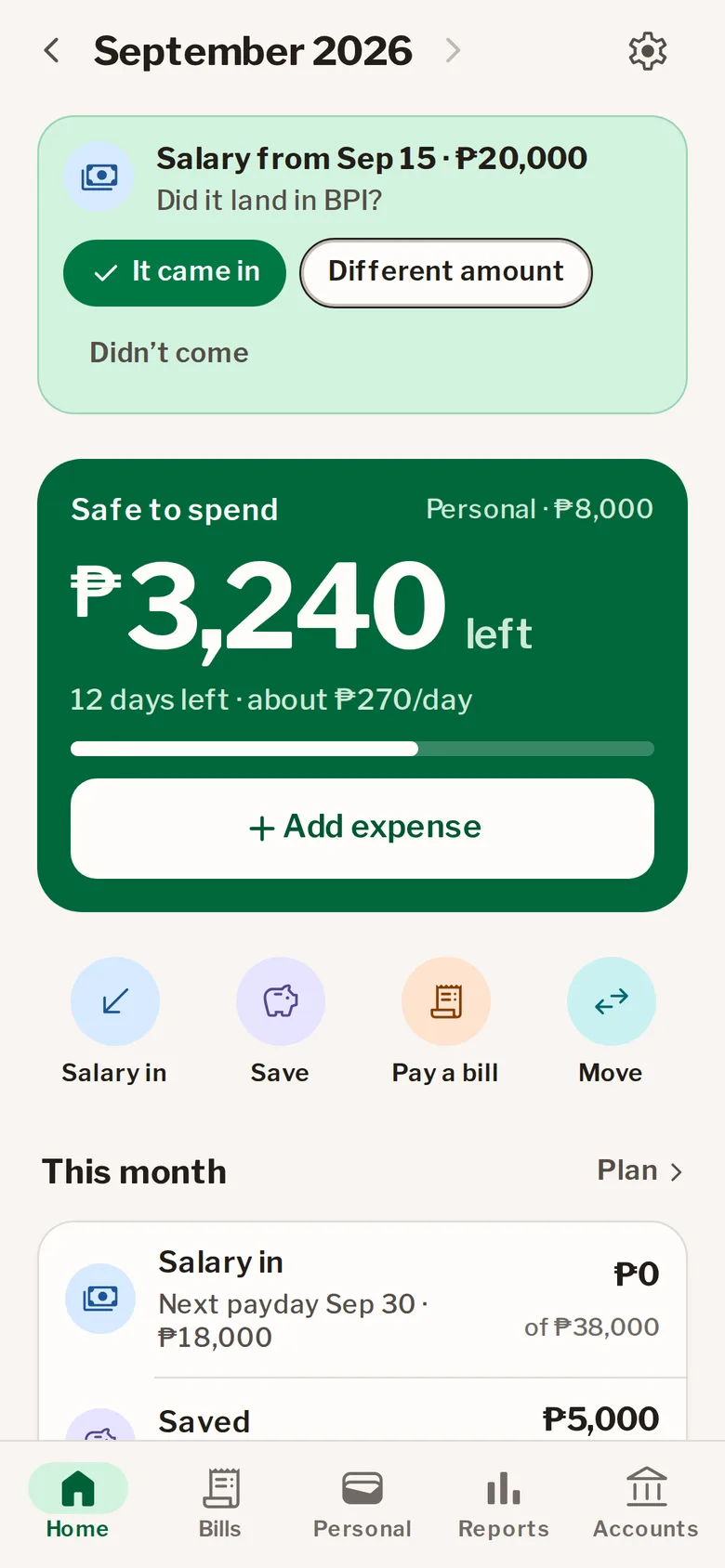
Cashwise's Salary day card asking to confirm a ₱20,000 salary
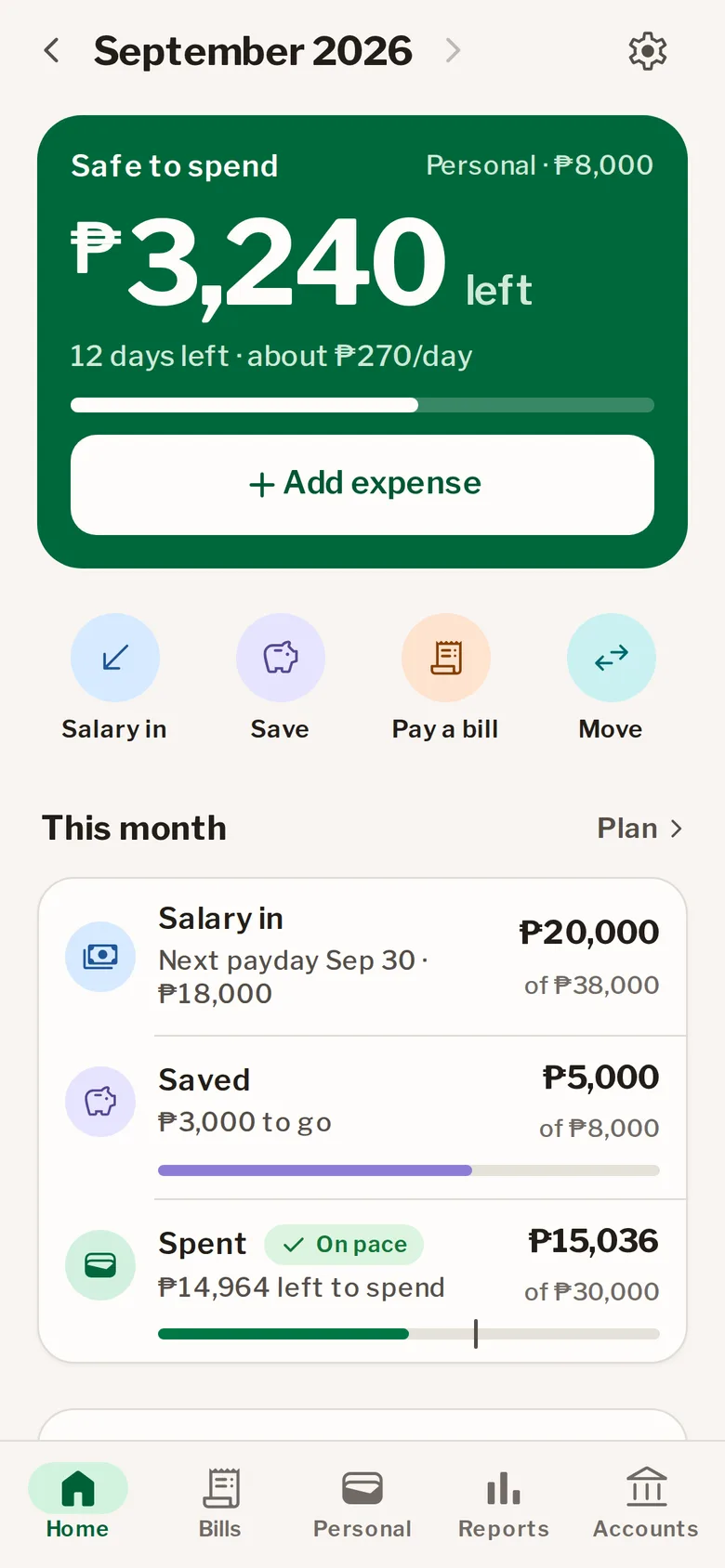
Cashwise Home showing ₱3,240 safe to spend with 12 days left in the month
How it works

Pay yourself first. Spend the rest without guessing.

  1. Your salary comes in

    Set your paydays once, the 15th and 30th or whatever yours are. On payday Cashwise asks if it landed, and one tap records it.

    ₱38,000
  2. Save first

    Pick what to set aside, 10, 20 or 30 percent, into savings, GSave, an alkansya or MP2. It comes off the top, before anything gets spent.

    − ₱8,000
  3. Spend what’s left

    Bills are covered first, then Cashwise shows what’s safe to spend today, and about how much that is a day until payday.

    = ₱30,000 budget
Salary day

Your sweldo, confirmed in one tap.

Paydays on a weekend move to the Friday before, like most employers pay. A reminder at 8 in the morning asks if it came in. Overtime or deductions? Change the amount. Then Cashwise offers to set aside your savings share right away.

The Salary day card with It came in, Different amount and Didn’t come
Bills and reminders

Never pay a late fee again.

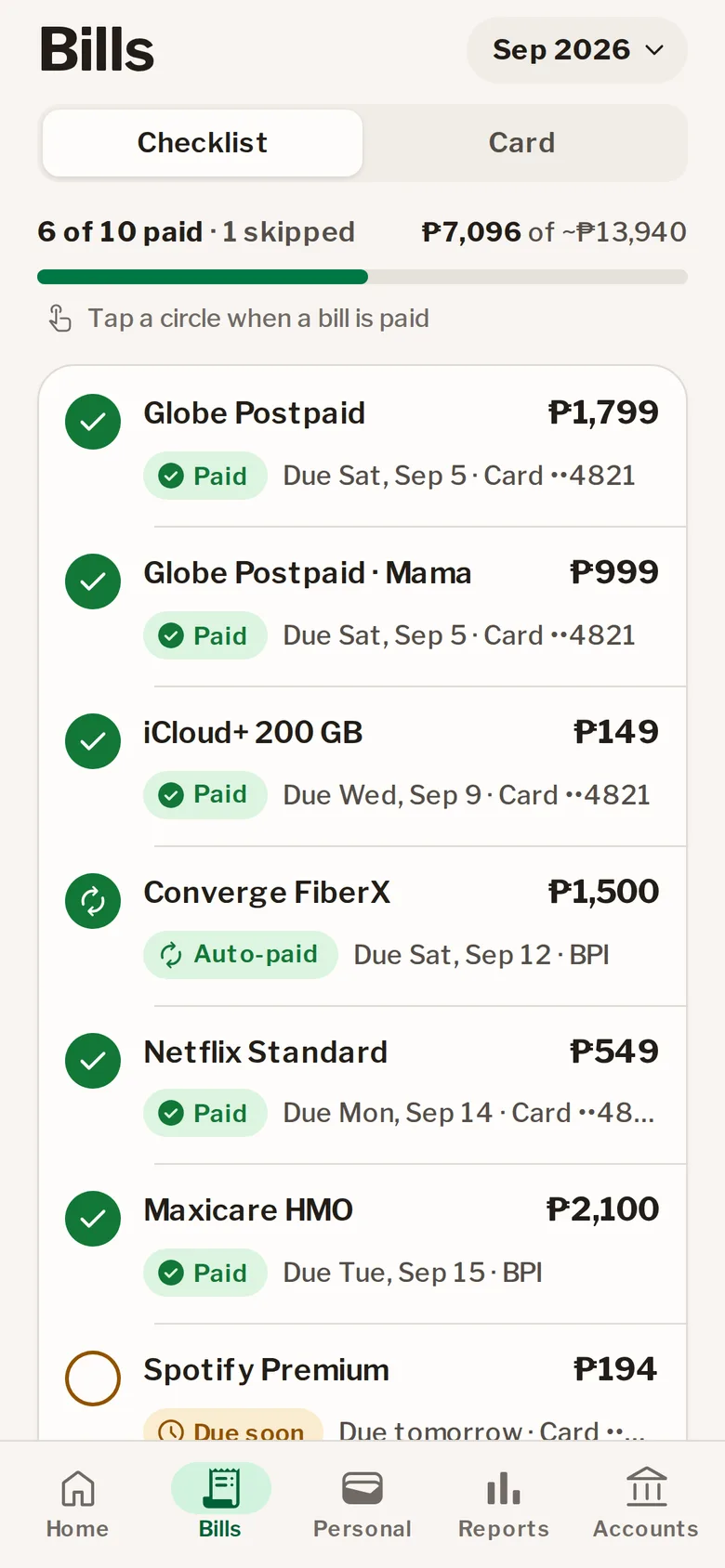
Meralco, Maynilad, rent, Globe, your credit card: add each bill once and Cashwise lays out the month as a checklist. A reminder comes two days before each one is due, and your card shows what’s charged and what’s coming.

The Bills checklist with due dates and paid, due soon and pending states
Everything in one place

Savings, spending and where it all went.

Savings wherever you keep them

Banks, GCash and Maya, a vault or alkansya, Pag-IBIG MP2. Goals show how close you are.
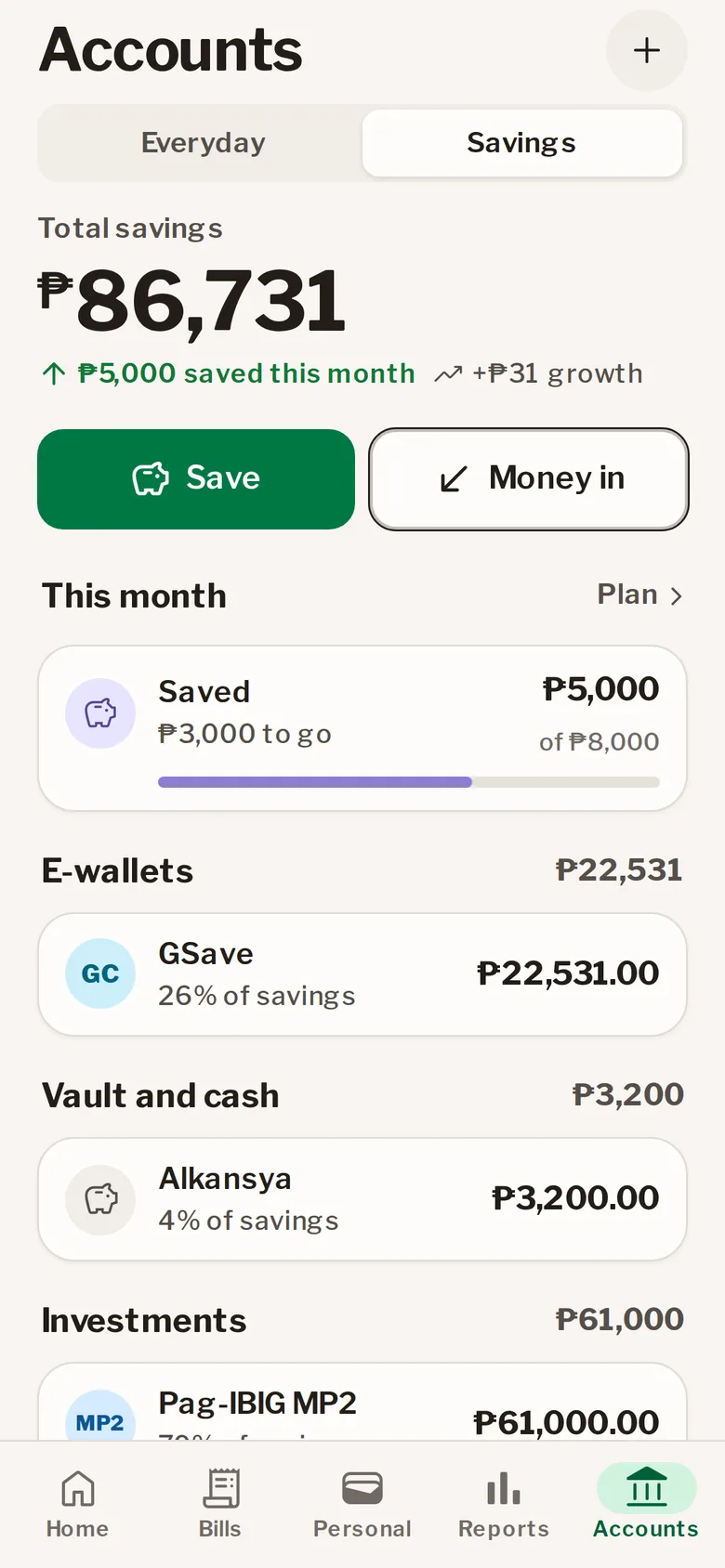
Savings split across e-wallets, a vault and Pag-IBIG MP2

Reports that answer “where did it go?”

Your pace against the budget, and spending by category and by account.
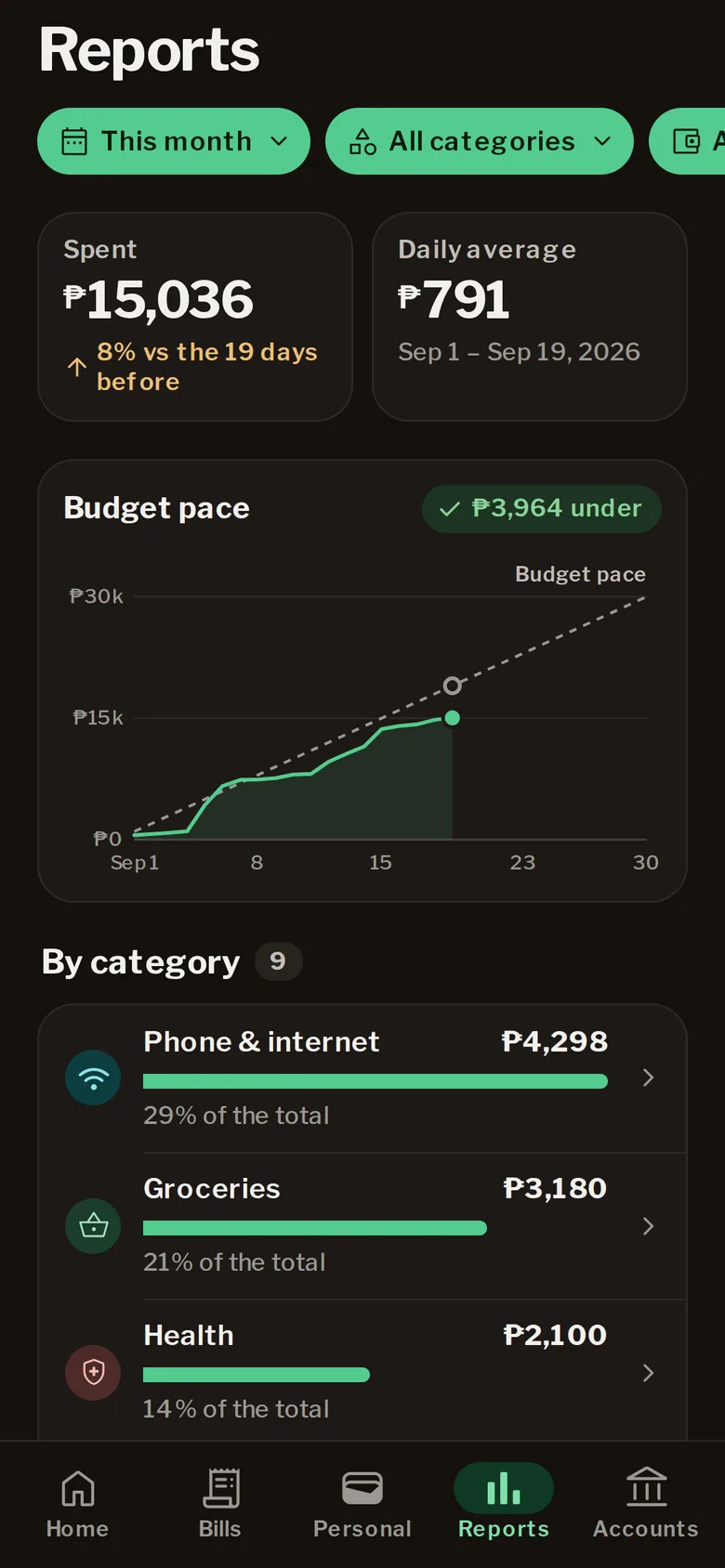
Reports in dark mode: a budget pace chart and spending by category

Add an expense in seconds

Amount, category, done. On Android it even works with no signal and sends later.
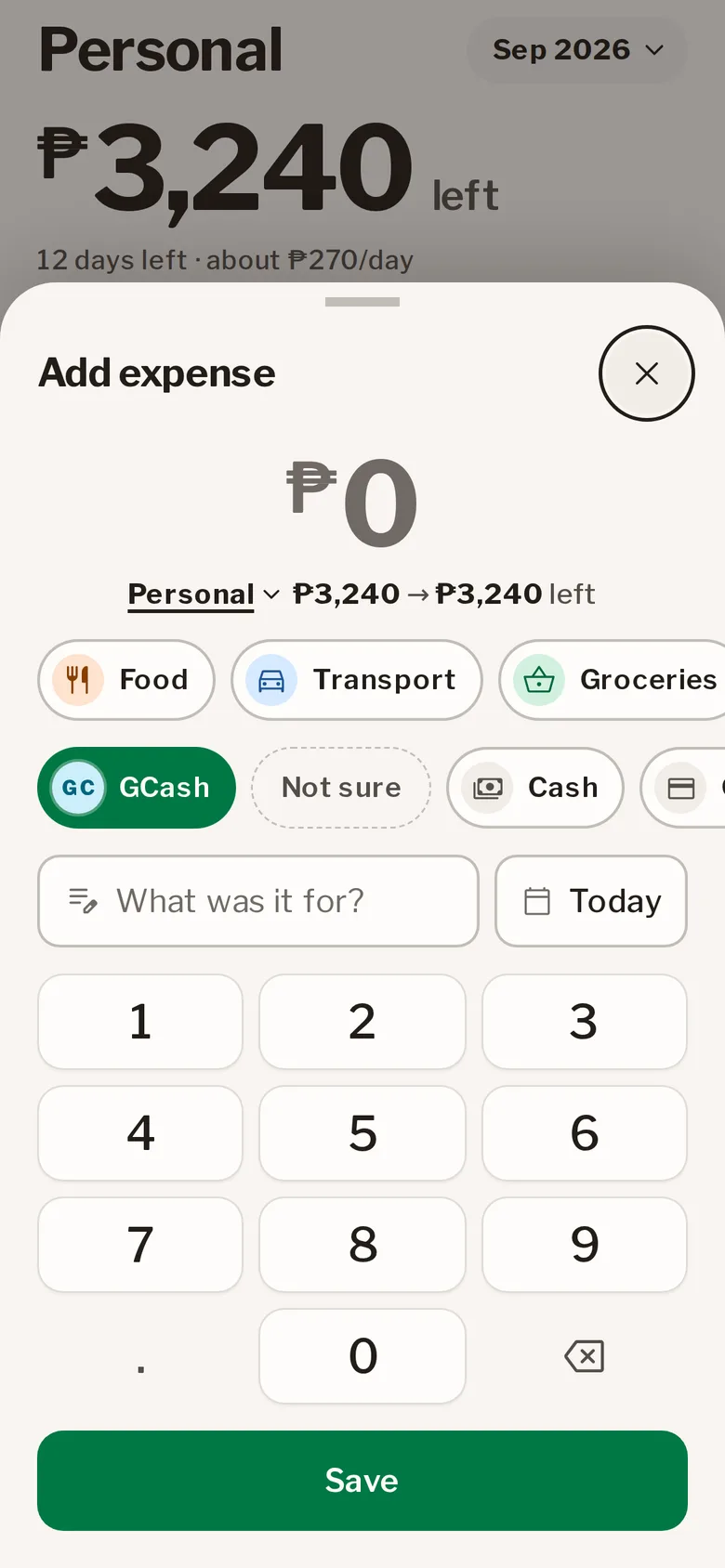
Quick add with a keypad, categories and accounts like GCash and Cash

Cashwise never connects to your bank.

No bank logins, no reading your email or SMS. It only knows what you type in, and only you can see it.

  • Your data stays yours

    Every row is locked to your account. No ads, no trackers, and nothing is ever sold.

  • Delete it any time

    Settings → Delete account erases your account and everything in it. How it works.

  • Lock the app

    On Android, your fingerprint or screen lock opens Cashwise.

Web and Android

Start on the web today. Android is on its way.

Open Cashwise in any browser and add it to your Home Screen. The Android app is coming to Google Play with the same account, offline quick add and payday reminders. A short tour shows you around the first time.
Create your free account
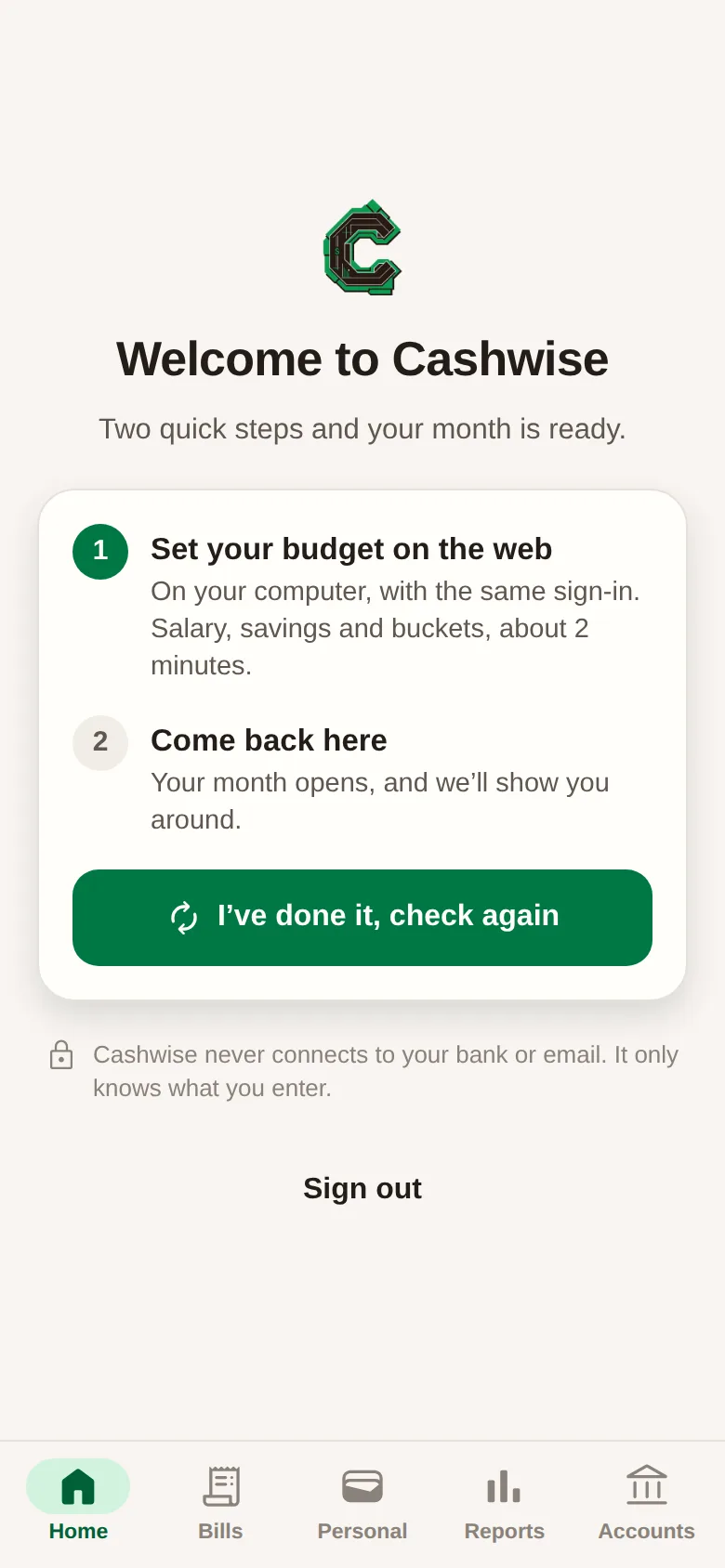
The Android app’s welcome for a new account
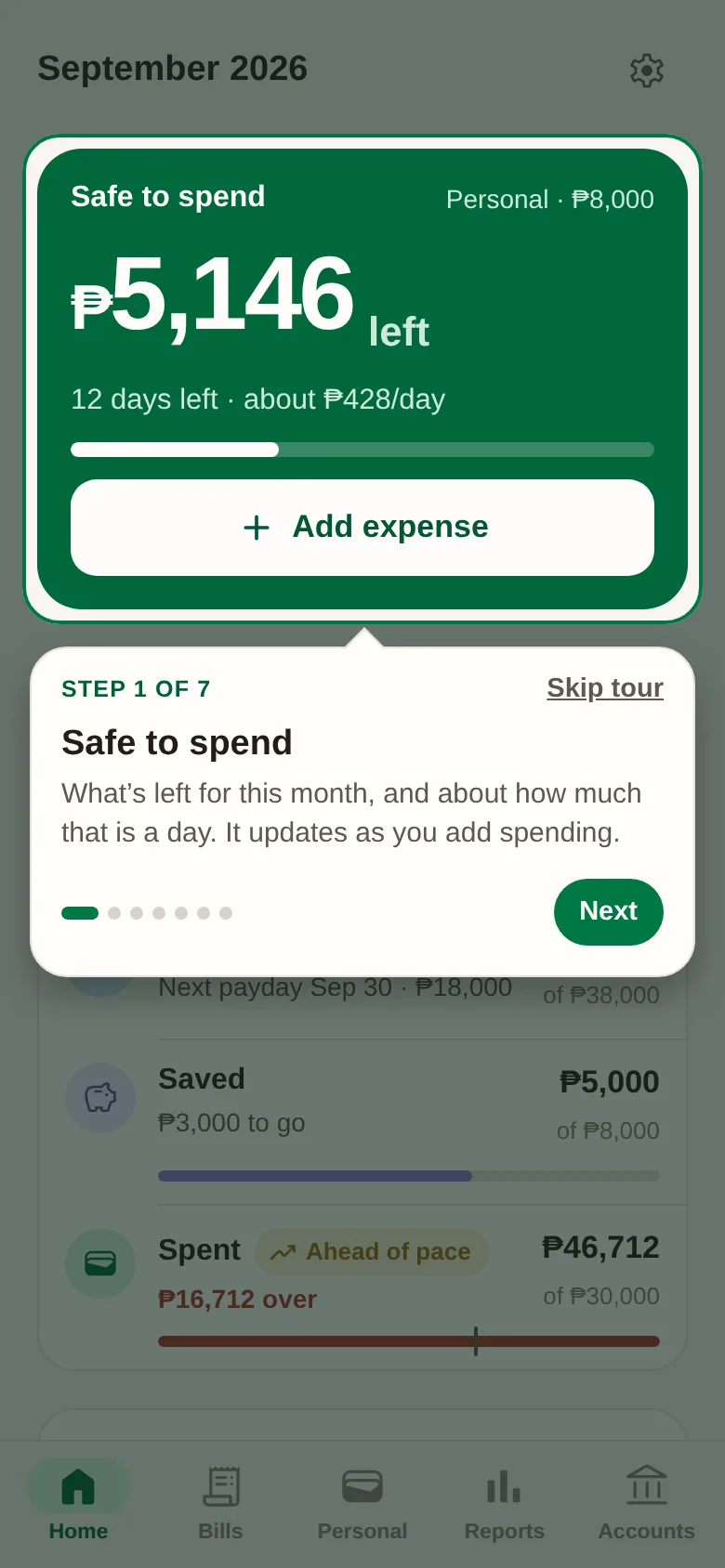
The first-time tour on Android lighting up Safe to spend
FAQ

Questions, answered.

Something else? Write to support@cashwise.khayll-labs.com.

Is Cashwise free?
Yes. There are no ads and no subscription.
Does it connect to my bank, GCash or Maya?
No. You add your accounts and what you spend yourself. That keeps your logins safe, and it works with any bank or e-wallet.
I get paid twice a month. Does that work?
Yes. Set one or two paydays, each with its own amount. Kinsenas and katapusan are exactly what it’s built for, and a payday on a weekend is expected the Friday before.
Where is my data kept?
In a secured database where every row is locked to your account. The privacy policy has the details.
Can I delete my account?
Any time, from Settings in the app. Your account and everything in it are erased. See how to delete your account.
When is the Android app coming?
Soon, on Google Play, with the same account, offline quick add and payday reminders. Until then, open Cashwise in your browser and add it to your Home Screen.

Your next payday, planned.

Free, in pesos, and ready in about two minutes.

Start free on the web